How to Keep AI Characters Consistent Across Video Scenes
Learn how to keep AI characters consistent across video scenes with a reference pack, shot list, anchor frames, review loop, and practical model testing.
Published
Updated
Topic: Creator Workflow & Production
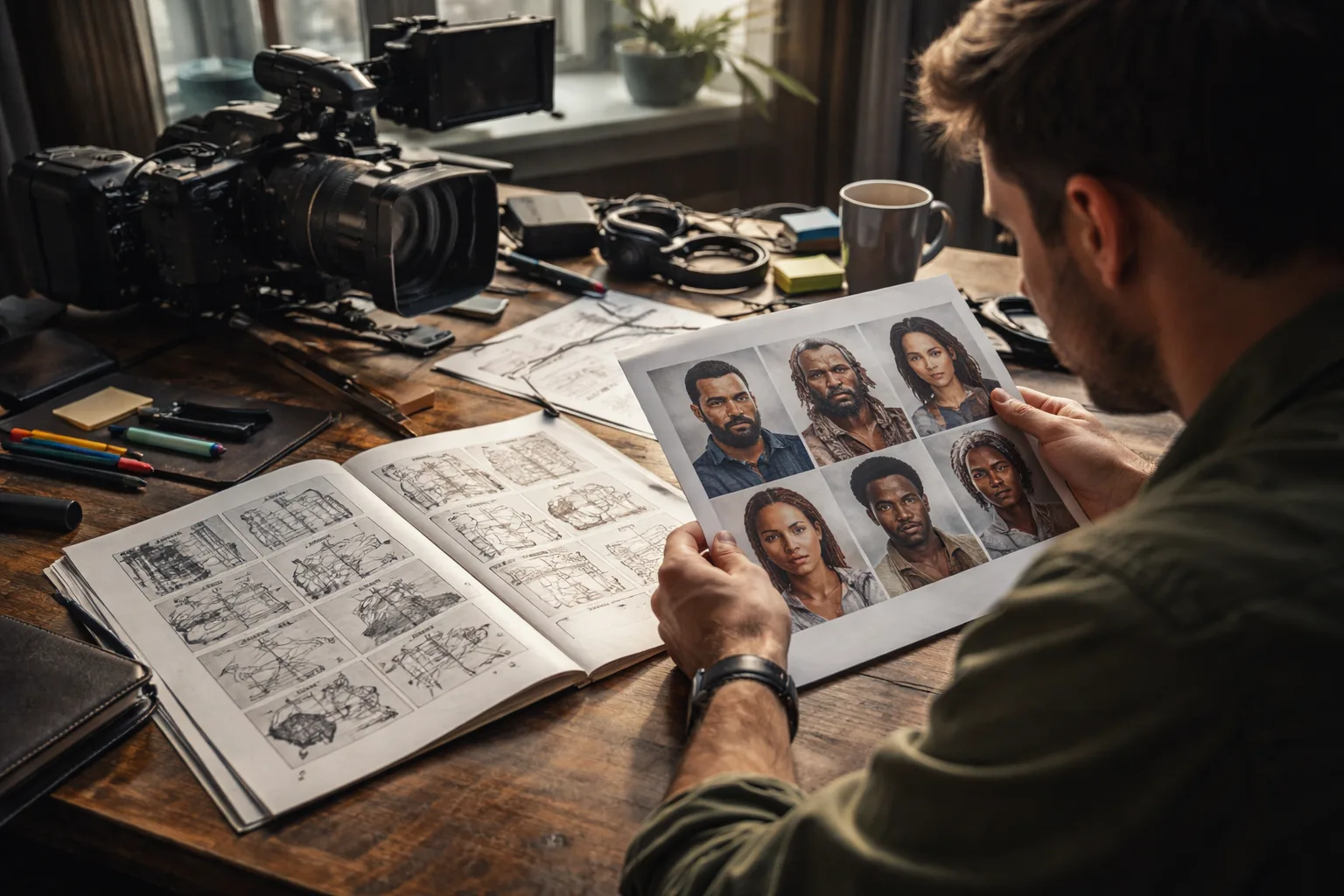
Learning how to keep AI characters consistent across video scenes is less about finding one perfect prompt and more about building a repeatable production system. When every shot is generated separately, a recurring character can acquire a different face, hairstyle, outfit, age, or body shape from one clip to the next. A reference pack, a controlled shot list, and a deliberate review loop give you practical ways to reduce that drift before it reaches the final edit.
The problem is not merely cosmetic. Research describes cross-scene identity preservation as a major challenge for text-to-video systems, and separate work identifies a fundamental tension between keeping a subject recognizable and producing natural motion. Read the findings in ContextAnyone: Context-Aware Diffusion for Character-Consistent Text-to-Video Generation and Multi-Shot Character Consistency for Text-to-Video Generation. Your workflow should therefore aim for controlled, reviewable consistency, while recognizing that exact frame-to-frame matching remains uncertain.
1. Build a character reference pack before generating video
Start with a small, approved set of images that defines the character independently of any particular scene. The goal is to separate identity from action, camera movement, lighting, and location. If the first image shows a character running through rain, the model may associate wet hair, dramatic backlight, and a specific pose with the person’s identity. A neutral reference set gives it cleaner information to follow.
Measured on TryVeo's own production render logs over the last 90 days (443 completed renders with full timing, as of 2026-09-15). Wall-clock from job start to finished file, so provider queueing is included. These are our own measurements, not vendor claims.
| Model | Median render | 90th percentile | Renders measured |
|---|---|---|---|
| veo-3.1-fast-generate-preview | 88s | 128s | 299 |
| seedance-2.0-fast | 195s | 343s | 74 |
| kling-2.5-turbo | 132s | 155s | 19 |
| seedance-2.0 | 309s | 405s | 19 |
| veo-3.1-generate-preview | 101s | 166s | 32 |
Create a pack that covers the details viewers use to recognize the character. Keep the design intentional and avoid adding unnecessary variations. A useful pack can include the following:
Use consistent descriptions across the pack. For example, write “short dark-brown textured hair, a small crescent scar above the left eyebrow, olive canvas jacket, cream shirt, dark trousers, and worn red sneakers” rather than switching between near-synonyms in every prompt. If the outfit changes during the story, create separate approved wardrobe references and label them by sequence. Do not ask the model to infer a costume transition from vague prose.
This reference-first approach is supported by current model documentation: Google DeepMind describes using character reference images to help maintain a character’s appearance across different scenes in video. The principle is useful beyond one model: give the generator visual anchors, then describe what is happening in the shot around those anchors. See the Veo 3.1 overview for the reference-image approach. For a broader reference-image workflow, see How to Build an AI Brand Image System That Scales.
2. Separate identity instructions from shot direction
A common cause of inconsistency is asking one paragraph to define the character, invent the scene, direct the camera, choreograph motion, specify the style, and control every environmental detail. Build prompts in layers instead. Keep the character identity block stable and change only the shot-direction block when moving through the storyboard.
Keep the first two layers stable across a sequence; vary the shot layer deliberately and record every approved change.
| Prompt layer | What to include | What to keep stable |
|---|---|---|
| Identity anchor | Reference images, name or identifier, facial traits, hair, body proportions, fixed marks | Core appearance and recognizability |
| Wardrobe and props | Garment details, accessories, continuity-critical objects, approved wardrobe state | Items that should persist within the sequence |
| Shot direction | Action, emotion, location, time, camera distance, lens feel, lighting, movement | Only when the storyboard requires a change |
| Constraints | No new accessories, no hairstyle change, preserve facial structure, preserve body proportions | Rules that protect continuity |
| Output target | Short clip length, aspect ratio, framing, and intended edit position | Technical requirements for the sequence |
Sources: Google DeepMind
A stable identity block might read: “Use the supplied reference images as the same fictional character, preserving facial structure, eye color, hairline, scar placement, body proportions, and wardrobe state.” The shot block can then say: “Medium tracking shot as the character walks through a quiet train platform at dawn, turns toward camera, and raises one hand.” Keeping those functions distinct makes it easier to diagnose whether a failure came from identity, wardrobe, action, or camera direction.
3. Generate short shots and approve anchor frames
Generate the story as a sequence of short, reviewable shots rather than one long request. Short clips limit the number of variables that can drift and make it easier to replace one failure without rebuilding the entire scene. They also let you compare the same character at meaningful checkpoints: entering a room, turning toward camera, sitting down, or leaving the frame.
For each shot, choose an anchor frame or a small set of frames that best represents the intended identity. Compare the output against the pack using a fixed checklist. Do not judge only whether the clip feels cinematic; a strong mood can distract from a changed face or a missing accessory.
Maintain a simple continuity log. Give every shot an identifier, record the reference images used, note the wardrobe state, and mark the result as approved, revise, or reject. Save the selected frame from each approved shot. Those frames become secondary anchors for nearby shots, while the original pack remains the higher-level identity reference.
4. Manage the consistency–motion trade-off
More identity control is not always better. A heavily constrained prompt may preserve the face while producing stiff gestures, limited camera movement, or unnatural interaction with the environment. Conversely, a prompt that prioritizes dynamic action may yield a lively clip while changing the character’s features. The multi-shot consistency research cited above documents this tension between subject consistency and motion quality, so evaluate both dimensions instead of optimizing only for a matching portrait.
Use a staged workflow when a shot is difficult. First create a relatively calm version that establishes the character clearly. Then increase movement in controlled steps: add a turn, then a walk, then a more complex interaction. If the identity breaks at a particular step, you have a useful diagnostic signal. Simplify the action, shorten the clip, reduce occlusion, or change the framing rather than piling on more adjectives.
Continuity can also be protected in the edit. Cut during motion, use an establishing shot to hide a small change in facial detail, and avoid placing two close-up generations with noticeably different features back to back. These are editorial mitigations, not substitutes for a good reference workflow, but they can keep a minor variation from becoming the audience’s focus.
5. Test models systematically in TryVeo
Different video models can respond differently to the same reference pack, action, and camera instruction. TryVeo’s workflow supports reference-guided video alongside text-to-video, image-to-video, video continuation, video extension, video editing, frame interpolation, and upscaling. That makes it practical to test a shot design across available tools instead of assuming that one model will be ideal for every sequence.
Run a controlled comparison: keep the reference images, identity block, shot description, clip target, and evaluation checklist unchanged, then vary one model or generation mode at a time. Compare the results for identity, motion, composition, and editability. A model that preserves the face well may be better for dialogue close-ups; another may be more useful for a wide action shot. Do not present the comparison as evidence that any model will preserve continuity in every case.
Leave room in the workflow for retries and selection. TryVeo uses a shared credit balance in which each generation deducts the configured cost for that model, so uncontrolled experimentation can consume resources quickly. Plan a small test batch, approve a reference direction, and spend additional generations on shots that have a clear production purpose. For a broader evaluation framework, see How to Benchmark AI Video Generators Fairly.
Our own measurements of render times and model usage across a 90-day period will be attached below. Use that telemetry as planning context, not as a prediction for your project: render time can vary with model, prompt, resolution, queue conditions, retries, and the complexity of the requested motion.
A repeatable shot-by-shot checklist
- Finish the reference pack before designing complex action.
- Assign each character a stable identity block and each wardrobe state a clear label.
- Break the script into short shots with a defined purpose and edit position.
- Attach the same approved references to every shot that contains the character.
- Change one major variable at a time: action, location, camera, lighting, or wardrobe.
- Generate a calm identity test before attempting difficult movement or interaction.
- Compare every result with the approved anchors using the same checklist.
- Save approved frames and continuity notes so later shots inherit a verified state.
- Test alternative models or modes with controlled inputs rather than changing everything at once.
- Reject attractive outputs that create an identity problem downstream.
A final publishing review should examine the assembled sequence rather than isolated clips only. Check the character at every transition, including changes in scale, lighting, wardrobe, and screen direction. A practical AI-Generated Video Quality Checklist Before Publishing can help structure that last pass alongside your identity-specific continuity notes.
The strongest answer to how to keep AI characters consistent across video scenes is therefore procedural. Build visual references, write stable identity instructions, direct one shot at a time, approve anchor frames, and measure both likeness and motion. When a scene fails, isolate the variable responsible instead of rewriting the entire prompt. This approach does not remove model limitations, but it turns continuity from a hopeful request into a production decision you can inspect, revise, and repeat.
Sources
- Veo 3.1 — Google DeepMind, Google DeepMind — Ensure characters maintain their appearance across different scenes in your videos by giving Veo reference images of your character.
- ContextAnyone: Context-Aware Diffusion for Character-Consistent Text-to-Video Generation, arXiv — Text-to-video (T2V) generation has advanced rapidly, yet maintaining consistent character identities across scenes remains a major challenge.
- Multi-Shot Character Consistency for Text-to-Video Generation, arXiv — When generating multiple video shots with consistent subjects, we face a fundamental trade-off between subject consistency and motion quality.