How to Benchmark AI Video Generators Fairly
Learn how to benchmark AI video generators with a repeatable test plan for quality, prompt adherence, consistency, physics, control, and human preference.
Published
Updated
Topic: AI Video Models & Comparisons
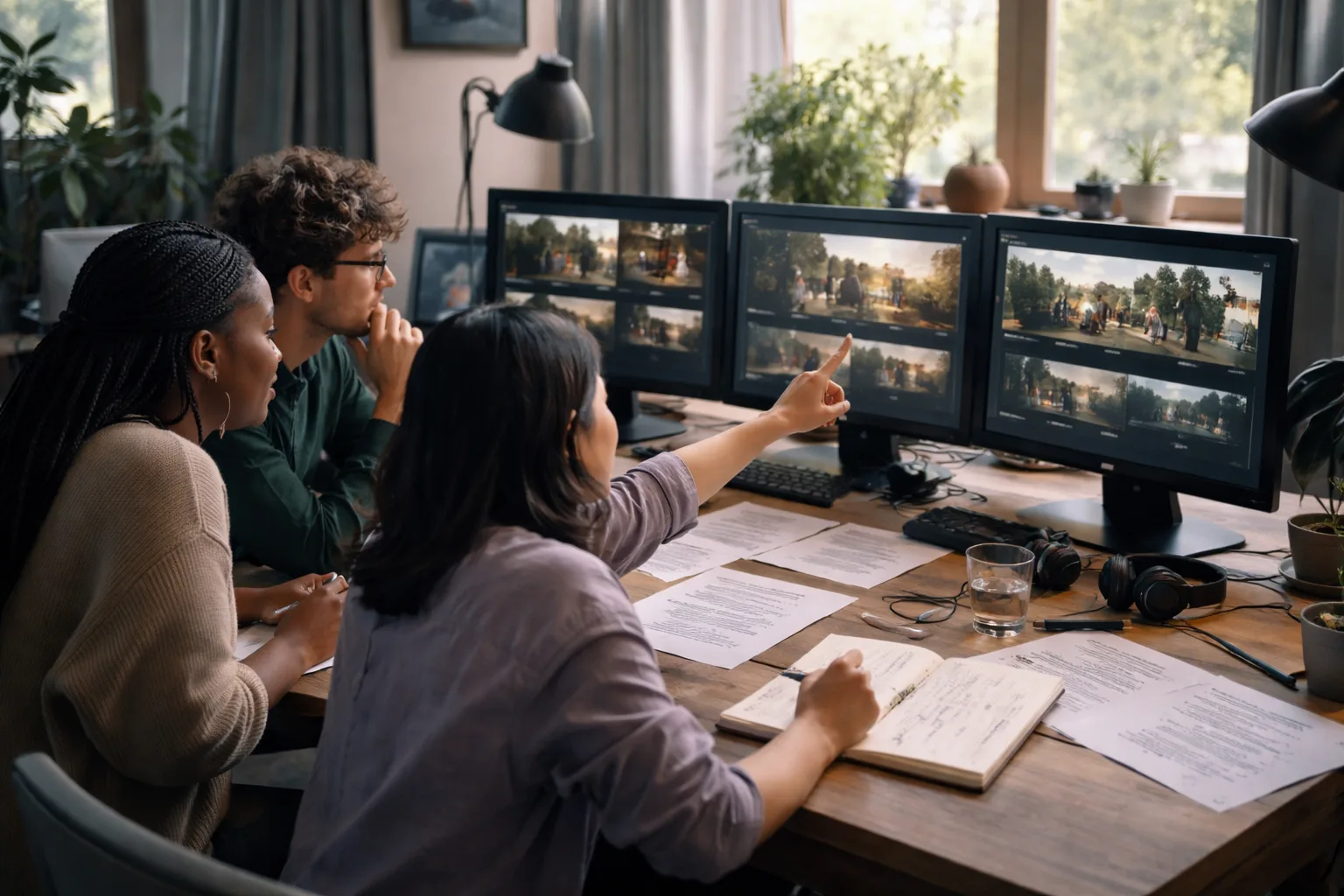
Knowing how to benchmark AI video generators is more useful than asking which model is best. A model that produces beautiful single shots may fail when a subject must remain recognizable, a camera move must follow instructions, or a sequence must continue across multiple clips. Creators, agencies, marketers, and product teams need a test that reflects the work they actually deliver—not a leaderboard built around one impressive demo.
A fair benchmark separates visible polish from production reliability. It tests whether a generator understands the prompt, preserves identity and objects, handles movement and physical interactions, and gives an operator enough control to revise a result. It also includes human preference, because automated signals can miss the difference between a technically intact clip and one that audiences actually want to watch.
Start with the work your team must repeat
Before choosing prompts or models, define the jobs the system must perform. An advertising team might care about a consistent product, a clear first-second hook, and several aspect ratios. A filmmaker may prioritize camera direction, character continuity, and believable motion. A product team may need reference-guided shots, editable iterations, or predictable output for a large evaluation set.
Measured on TryVeo's own production render logs over the last 90 days (441 completed renders with full timing, as of 2026-09-12). Wall-clock from job start to finished file, so provider queueing is included. These are our own measurements, not vendor claims.
| Model | Median render | 90th percentile | Renders measured |
|---|---|---|---|
| veo-3.1-fast-generate-preview | 88s | 128s | 297 |
| seedance-2.0-fast | 195s | 343s | 74 |
| kling-2.5-turbo | 132s | 155s | 19 |
| seedance-2.0 | 309s | 405s | 19 |
| veo-3.1-generate-preview | 101s | 166s | 32 |
Write these requirements as observable tests. “Good quality” is too vague to score consistently. “The red ceramic mug remains red, cylindrical, and intact while the camera arcs from left to right” is testable. “The speaker looks like the supplied reference, maintains two hands, and turns toward the window without a facial change” is also testable. A benchmark becomes useful when two reviewers can watch the same clip and understand what success means.
Create a small prompt suite instead of one showcase prompt. Include a simple subject shot, a multi-object composition, a camera movement, a human action, a physical interaction, a reference-led task, and a continuation or edit task if those workflows matter to your team. Keep the wording fixed across models. Record the input image, reference assets, aspect ratio, duration, settings, model version, and any seed or control options that the product exposes.
Use a multi-dimensional evaluation framework
A single score hides useful failures. The VBench research framework is a helpful starting point because it decomposes video-generation quality into 16 dimensions, including motion smoothness, temporal flickering, subject identity inconsistency, and spatial relationships. Its structure supports a practical principle: score separate properties before combining them into a decision.
A practical synthesis of the dimensions emphasized by VBench and VBench-2.0. The framework counts are sourced figures; the test questions are an operational interpretation for production teams.
| Evaluation layer | What to inspect | Example question |
|---|---|---|
| VBench foundation: 16 dimensions | Visual quality, motion, temporal behavior, composition, and consistency | Does the clip remain stable and coherent from the first frame to the last? |
| VBench-2.0: five dimensions | Human Fidelity, Controllability, Creativity, Physics, and Commonsense | Does the model follow the requested action while keeping people and objects believable? |
| Human-aligned review | Overall usefulness, preference, and task fit | Which clip would a neutral reviewer select for the intended audience and purpose? |
Sources: arXiv · arXiv · Video-Bench
VBench-2.0 extends the evaluation question beyond surface appearance and basic prompt matching. It organizes intrinsic faithfulness around five dimensions: Human Fidelity, Controllability, Creativity, Physics, and Commonsense. In a production trial, these categories can expose failures that a polished frame does not reveal—for example, a face that looks convincing in a still image but changes during motion, or a hand that reaches for an object without making believable contact.
Video-Bench adds another useful perspective by using automated multimodal large-language-model evaluation designed to align more closely with human preferences. That does not remove the need for people in your review loop. It suggests a hybrid approach: automation can help process many clips consistently, while human reviewers judge whether the result communicates the intended idea and is suitable for publication.
Build the test set and control the variables
The fairest comparison changes one major variable at a time. Use the same prompt, source image, reference video, output duration, framing, and evaluation criteria wherever each tool allows. If one generator cannot accept a particular input type, mark that as a capability difference rather than silently replacing the test with an easier task.
- Define three to seven production scenarios and write a pass condition for each one.
- Prepare identical prompts and input assets, then remove brand names or model-specific hints from the wording.
- Run more than one attempt per scenario when the product permits it, and retain every output rather than selecting only the best clip.
- Label files with the model, settings, date, prompt ID, and attempt number.
- Score each clip independently for prompt adherence, visual quality, temporal consistency, physics, controllability, and audience preference.
- Have at least two reviewers score a shared subset, discuss major disagreements, and revise ambiguous criteria before the final comparison.
- Report both average scores and failure patterns, including the proportion of clips that require repair or regeneration.
Avoid giving every criterion equal importance by default. A social advertiser may weight hook clarity and subject consistency more heavily than cinematic texture. A visual-effects team may assign greater weight to physical plausibility and controllability. Set the weights before reviewing the results, document them, and run a sensitivity check: if a small weight change reverses the winner, the decision is uncertain and should not be presented as definitive.
Score the failures that create production risk
Prompt adherence is more than including the requested nouns. Check whether the model follows relationships, quantities, colors, camera direction, timing, and exclusions. If the prompt asks for a cyclist passing behind a parked car, the evaluation should distinguish between having both objects in frame and correctly representing the passing action.
Identity and continuity deserve their own review. Track faces, clothing, logos supplied by the user, product geometry, object color, and scene layout across frames. Look for small changes that become expensive in an edit: a bottle label drifting, jewelry appearing and disappearing, a hand gaining an extra finger, or a background object jumping between positions.
Motion and physics should be reviewed together but scored separately. Motion asks whether the camera and subjects move smoothly, with no distracting flicker or sudden jumps. Physics asks whether acceleration, weight, contact, collisions, reflections, liquid, cloth, and shadows make sense. A slow camera move can look smooth while a character's feet slide across the floor; that is a physical failure, not merely a motion-quality issue.
Controllability measures how much useful influence the operator has over the result. Test camera instructions, subject placement, reference strength, first and last frames, continuation, editing, and regeneration behavior where available. A visually strong model may be a poor choice if teams cannot reliably correct a wrong camera direction or preserve a required asset.
For camera-specific trials, pair your benchmark with How to Control Camera Movement in AI Video Projects. It can help turn broad camera language into explicit test cases such as a locked shot, orbit, dolly, pan, or crane movement. The goal is not to reward a model for cinematic style; it is to check whether the requested movement is repeatable.
Include workflow cost, not just clip quality
A model trial should measure the path from request to usable file. Record setup time, prompt revisions, rejected generations, manual repair, export friction, and the number of iterations needed to meet the pass condition. Do not treat a spectacular first result as automatically superior if another system reaches an acceptable result with fewer failed attempts and clearer controls.
For a platform comparison, keep infrastructure observations separate from model judgments. TryVeo currently lists Text to Video, Image to Video, Video Continuation, Frame Interpolation, Reference-Guided Video, Video Extension, Video Edit, and Video Upscale as active generation types. Those are workflow capabilities to test; they should not be treated as evidence that one underlying model produces better video than another.
TryVeo uses a shared credit balance in which each generation deducts the configured credit cost of its model. For a fair internal trial, log the credits consumed alongside attempts, reruns, and accepted outputs. This lets a team compare the cost of a usable result rather than the nominal cost of a single generation. The platform's AI models page is a useful place to review the model choices available for the trial.
Our own measurements can also show how long selected models take from request to finished file and how often each model appears in real render traffic over a 90-day period. Treat those measurements as operational context, not as a universal speed ranking: queue conditions, output settings, demand, and model availability can affect wall-clock time. The attached telemetry table belongs next to the quality results so readers can compare production behavior with visual performance.
Turn the results into a decision
Publish the test set, scoring rubric, model settings, number of attempts, exclusions, and reviewer instructions alongside the result. Show representative successes and failures. A score without examples makes it difficult for another team to judge whether the benchmark reflects its own priorities.
Use a decision matrix with three outcomes instead of forcing a universal ranking: preferred for the target workflow, acceptable with caveats, or not suitable for the current task. A model can be preferred for reference-guided product shots and unsuitable for long physical interactions. This task-specific conclusion is more actionable than calling one generator the overall winner.
Finally, rerun a smaller regression suite after meaningful model, interface, or workflow changes. Keep a handful of difficult prompts that represent your biggest risks, not only easy prompts that every system passes. Research frameworks such as VBench, VBench-2.0, and Video-Bench provide useful foundations, but the strongest benchmark is the one tied to your actual briefs, review standards, and production constraints.
Sources
- VBench: Comprehensive Benchmark Suite for Video Generative Models, arXiv — VBench comprises 16 dimensions in video generation.
- VBench-2.0: Advancing Video Generation Benchmark Suite for Intrinsic Faithfulness, arXiv — VBench-2.0 assesses five key dimensions: Human Fidelity, Controllability, Creativity, Physics, and Commonsense.
- Video-Bench: Human-Aligned Video Generation Benchmark, Video-Bench — The framework includes automated multimodal LLM evaluation, improving the alignment with human preferences.